Resetting your Macros Inc Password
Reset your Macros Inc Password from the mobile app!
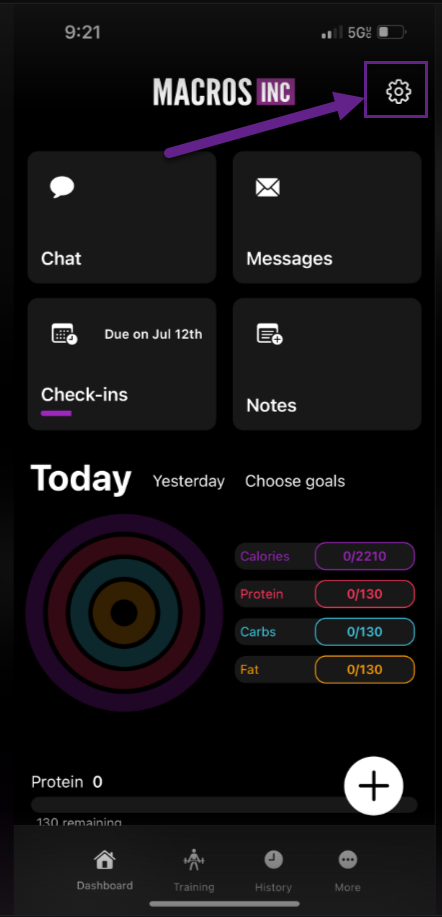
1) In the Macros Inc app, go to the top right settings gear
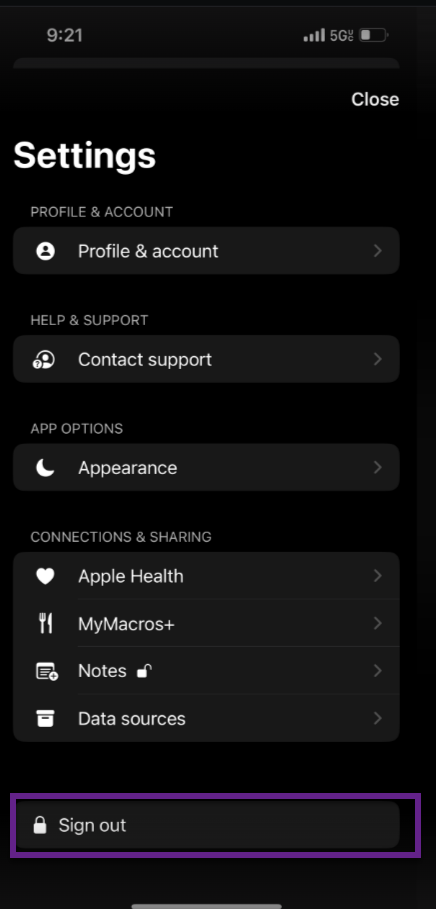
2) tap signout
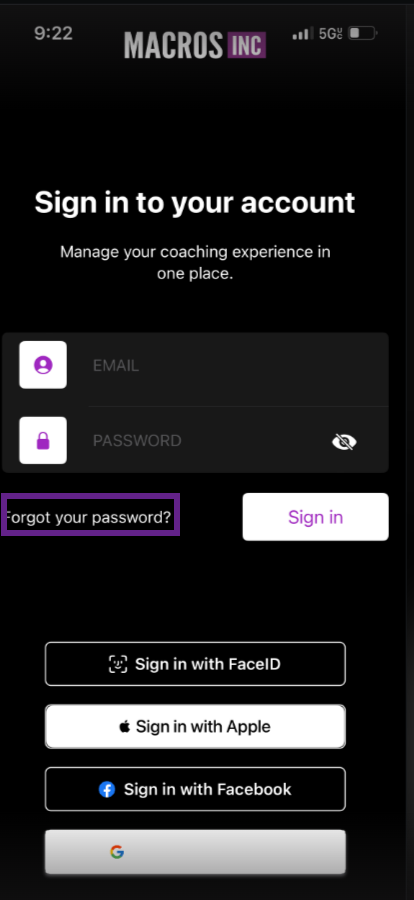
3) Tap the forgot password button
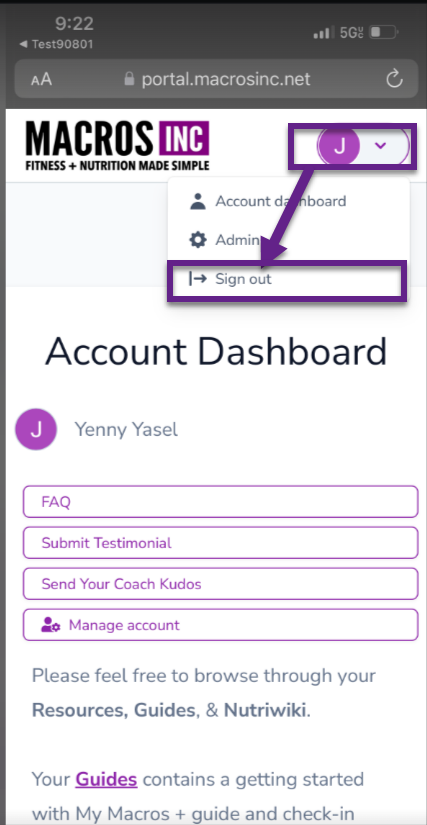
4) The system will take you to the web portal if you have it open in the background on your phone, you will need to signout - go to the top right profile icon and tap "signout."
If you are not signed in on a background browser, skip to step 5.
5) Return to the app - and tap "forgot password."
6) You will then be taken to the password reset screen.
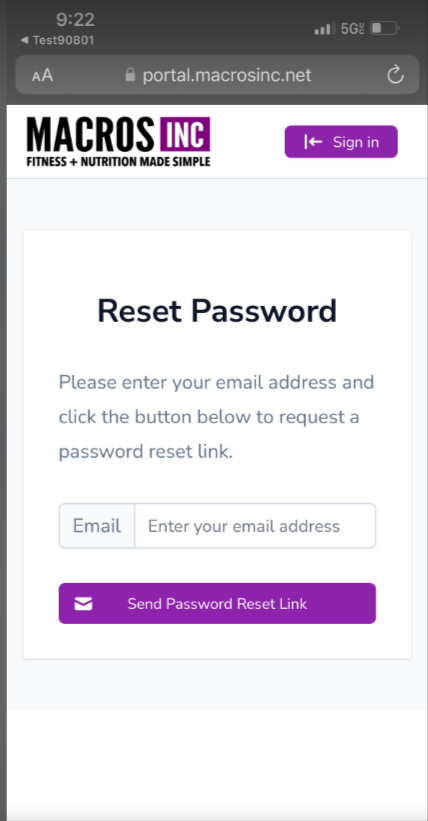
7) Enter your email associted with your Macros Inc account. If you do not find the message in your email, please check your junk and spam folders.