Connecting MyMacros+ - App
In order to connect your MyMacros+ account to the Macros Inc app, follow the steps listed below!
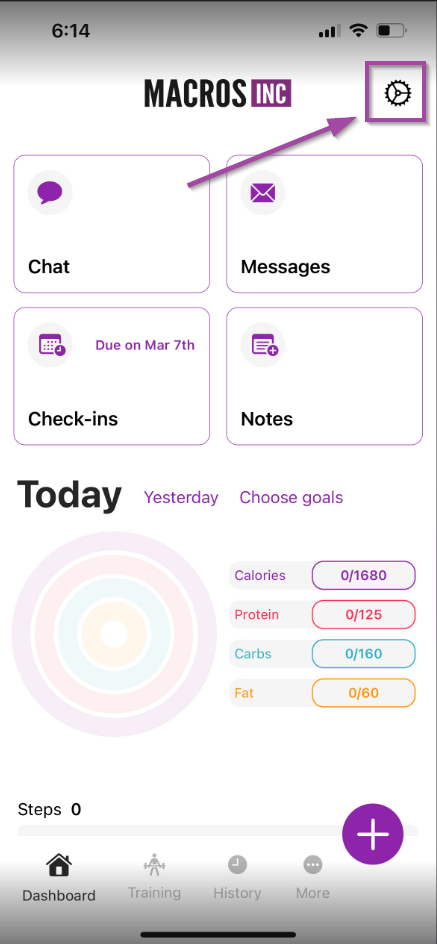
- In the Macros Inc Coaching App, tap the profile icon at the top right
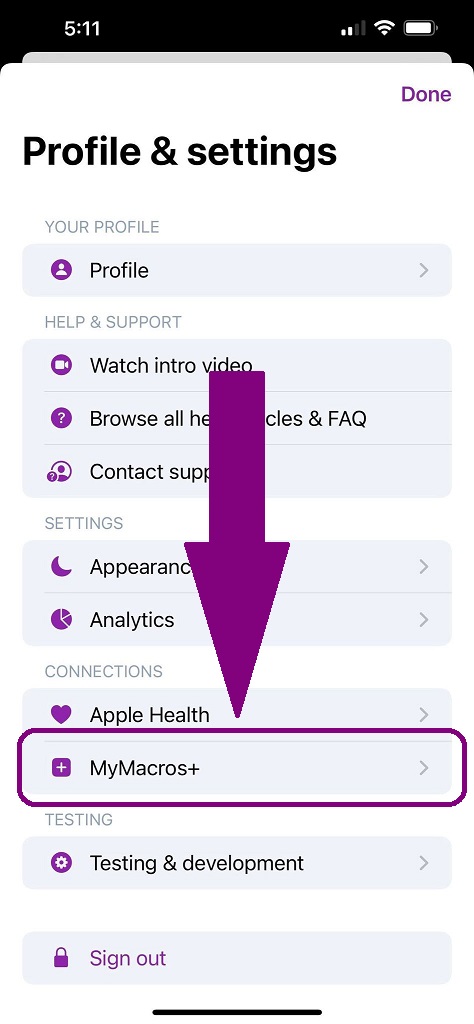
- Tap on the MM+ Connection
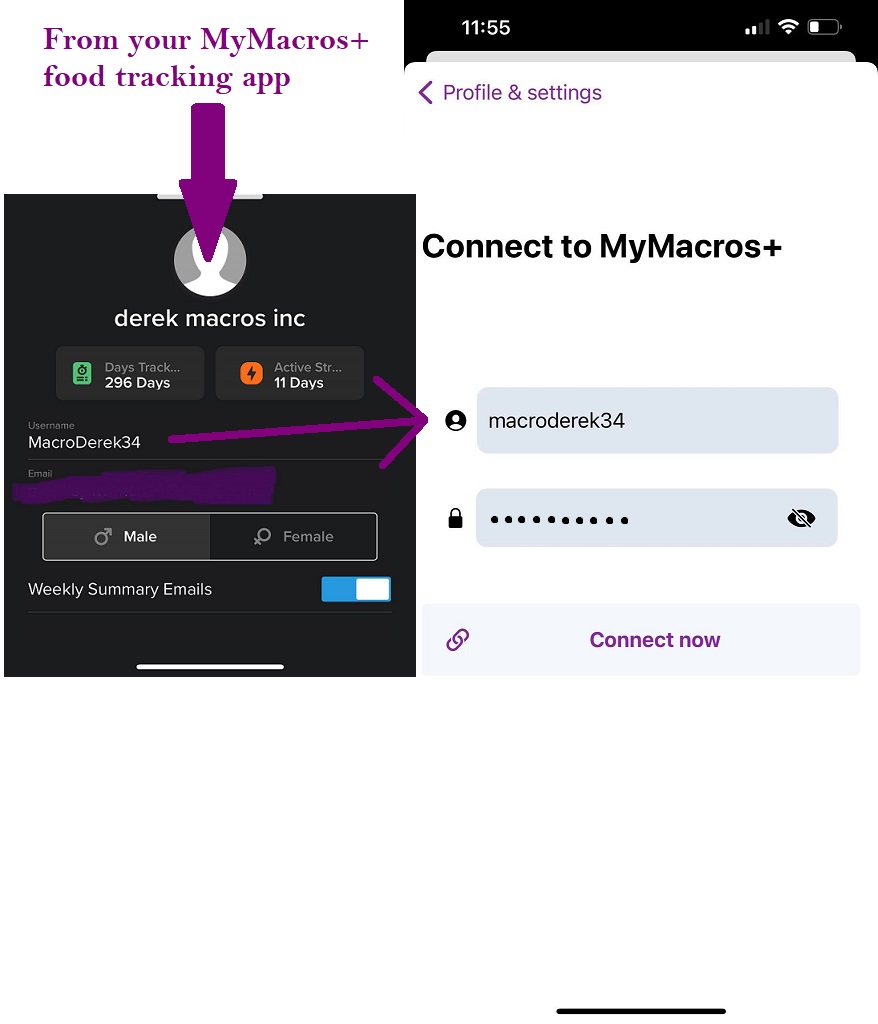
- Enter your MM+ Credentials (Could be different than the Macros Inc portal credentials)
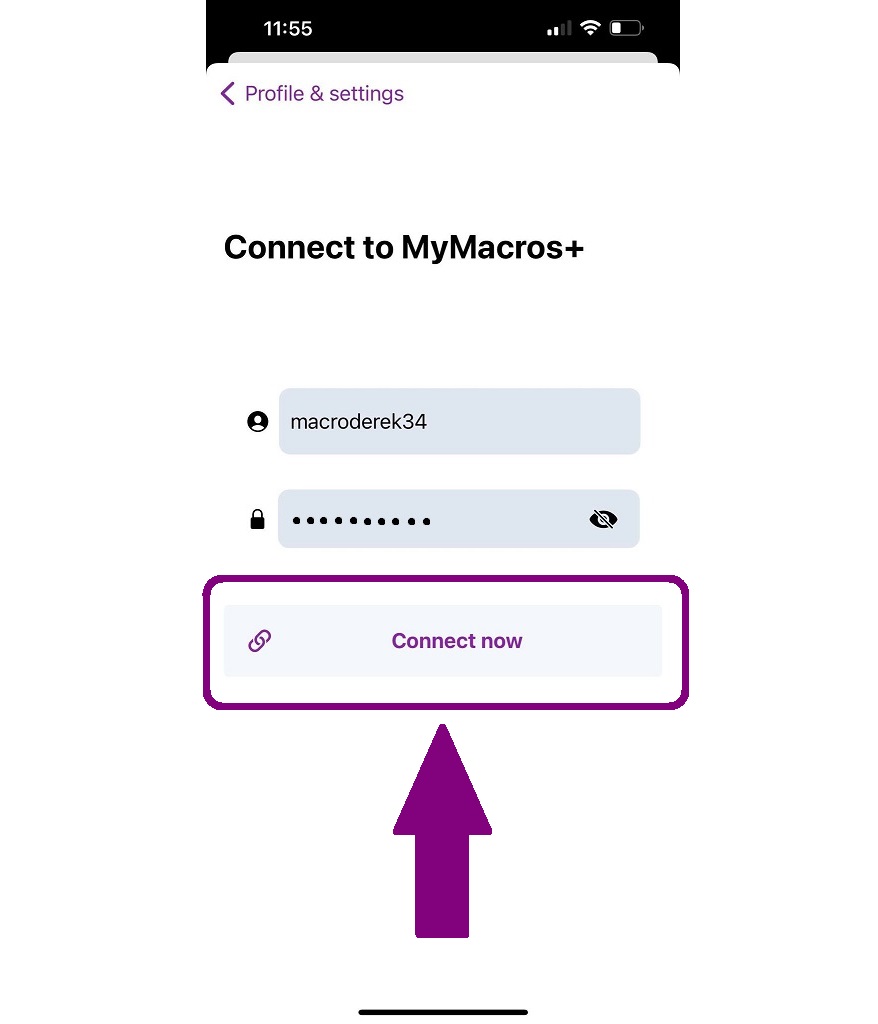
- Tap Connect Now
- Tap Sync Now

- You will receive a confirmation that MM+ is Sync'd

Please let us know if you have any issues by contacting us at [email protected]